
 By
By Introduction
You’re all set to watch your favorite show, curiosity piqued, and excitement brimming. Yet, when you press play, silence fills the room. Suddenly, you wonder, ‘Why can’t I hear my TV?’ Unraveling the mystery of soundless TVs is not always straightforward; it can range from simple fixes to more intricate issues. Let’s delve into understanding and solving these audio problems to restore your immersive viewing experience.
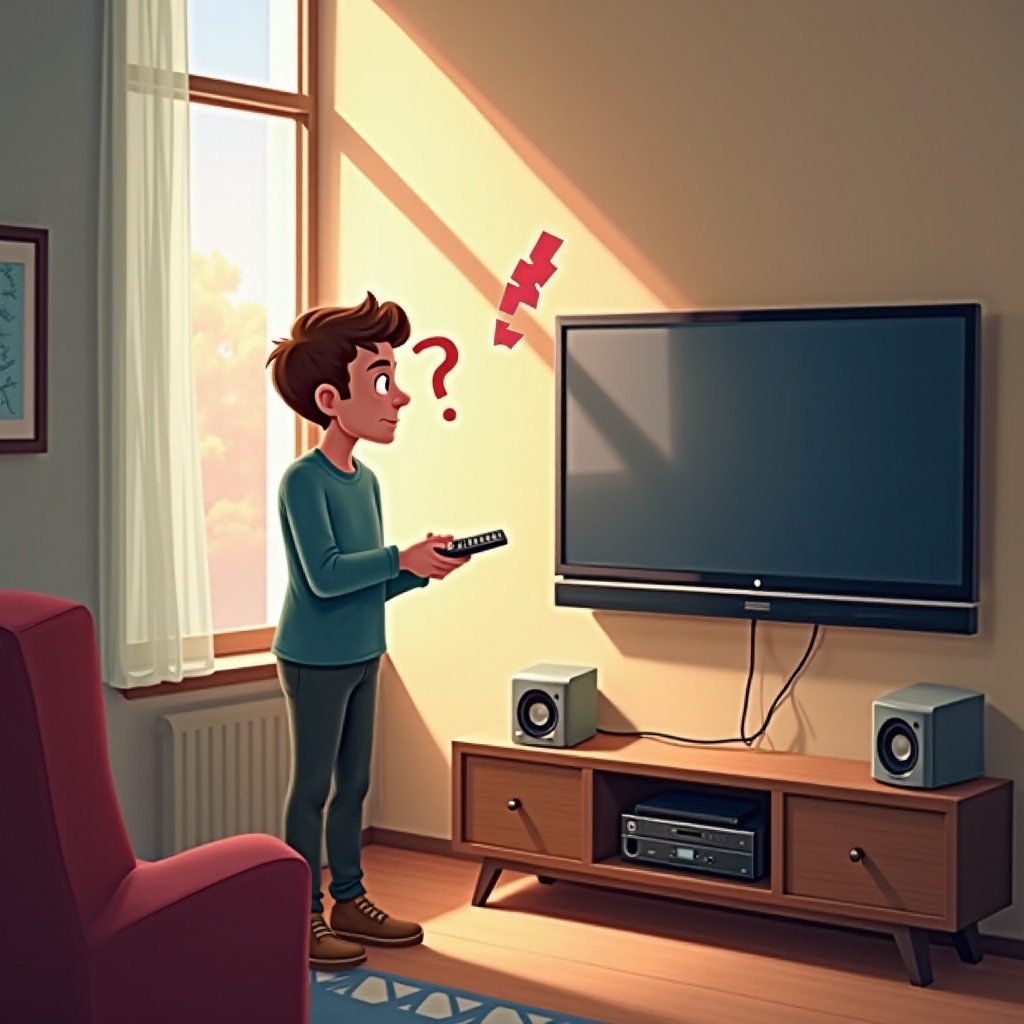
Common Causes of TV Sound Problems
The journey to clear audio begins by identifying common sound issues:
-
Volume Settings and Remote Control Issues: Sometimes the solution is as easy as checking your remote. Ensure that your TV isn’t on mute and the volume is suitably turned up. Also, double-check the condition of your remote’s batteries to ensure they are not depleted, potentially hampering its function.
-
Incorrect Audio Output Settings: Misconfigured audio settings could redirect sound elsewhere. Dive into your TV’s audio settings, ensuring ‘TV Speakers’ are selected unless you’re utilizing an external system.
-
Mute Function Overlooked: Secondary devices connected to your TV, such as soundbars or receivers, might inadvertently be on mute while your main unit isn’t. Cross-check all equipment involved and confirm they are not muted.
Technical Problems and DIY Fixes
Having ruled out common causes, it’s time to explore technical hiccups that might be at play:
-
Speaker Malfunctions and Loose Cables: Conduct a thorough check on the cables connecting your TV and any audio devices, as a loose or impaired cable can disrupt sound. Secure all connections and replace any damaged cables.
-
Software Updates and Firmware Glitches: Outdated firmware can be a stealthy culprit of audio failings. Research whether your TV model has any pending software updates; applying them can resolve unidentified glitches impeding sound.
-
Adjusting TV Sound Settings and Performing a Soft Reset: Try restoring the default audio settings on your TV. Additionally, conducting a ‘soft reset’ can clear any stubborn bugs. Switch off your TV, unplug it, wait a minute, and plug it back in.
Advanced Troubleshooting Techniques
If you’re still in silence after basic troubleshooting, consider advanced methods:
-
Factory Resetting Your TV: A factory reset can address deep-seated software issues, albeit at the cost of losing personal settings. It should be your option of last resort. Consult the menu to find the factory reset choice, often solving lingering audio concerns.
-
Analyzing External Device Connectivity: Investigate the setup of any external devices linked to your TV. Proper connections and configurations are essential for optimal audio performance.
-
Checking Soundbars and External Speaker Connections: Examine the connections between soundbars or external speakers and your TV. Verify that everything is plugged correctly, and all settings align perfectly.
-
Setting Compatibility and Audio Format Support: Ascertain that your TV aligns with the audio formats being played. The wrong format or settings can lead to compatibility issues, throwing your sound out of sync.
When to Seek Professional Help
There comes a point when DIY solutions just don’t cut it:
-
Identifying When DIY Fixes Aren’t Enough: Listening carefully to your TV’s speakers will give clues. If there’s crackling or persistent silence, it often suggests deeper hardware complications needing professional intervention.
-
Finding Reliable Repair Services: It pays to approach a service center endorsed by the TV manufacturer. To ensure quality, seek reputable technicians through online reviews and personal recommendations. This can save you from future frustrations and dysfunctional downtime.
Conclusion
Reclaiming your TV’s sound involves navigational know-how through settings and technical nuances. With the outlined strategies, from quick checks to advanced setups involving external devices, these audio issues can become a thing of the past. Prioritize regular maintenance and software updates to prevent recurrence. Happy viewing with crystal clear sound!
Frequently Asked Questions
How can I check if my TV speakers are working?
Navigate to your TV’s audio settings and perform a sound test if available, or plug in headphones to isolate internal speaker issues.
What should I do if my TV audio is distorted or unclear?
Check your audio cables first. Sometimes distortions are due to poor connections. Inspect and reconnect them if necessary.
Are soundbars or external speakers a good solution for audio issues?
Yes, adding a soundbar or speakers can significantly enhance your listening experience, especially if the built-in ones are failing. Ensure compatibility for the best results.