
 By
By Introduction
Restarting your PlayStation 3 (PS3) does not have to be a cumbersome task involving the power button. Instead, you can enhance your gaming routine by mastering the ability to restart your console using just the controller. This guide will walk you through the process, ensuring that you enjoy seamless gaming sessions without unnecessary interruption.
Understanding Your PS3 Controller
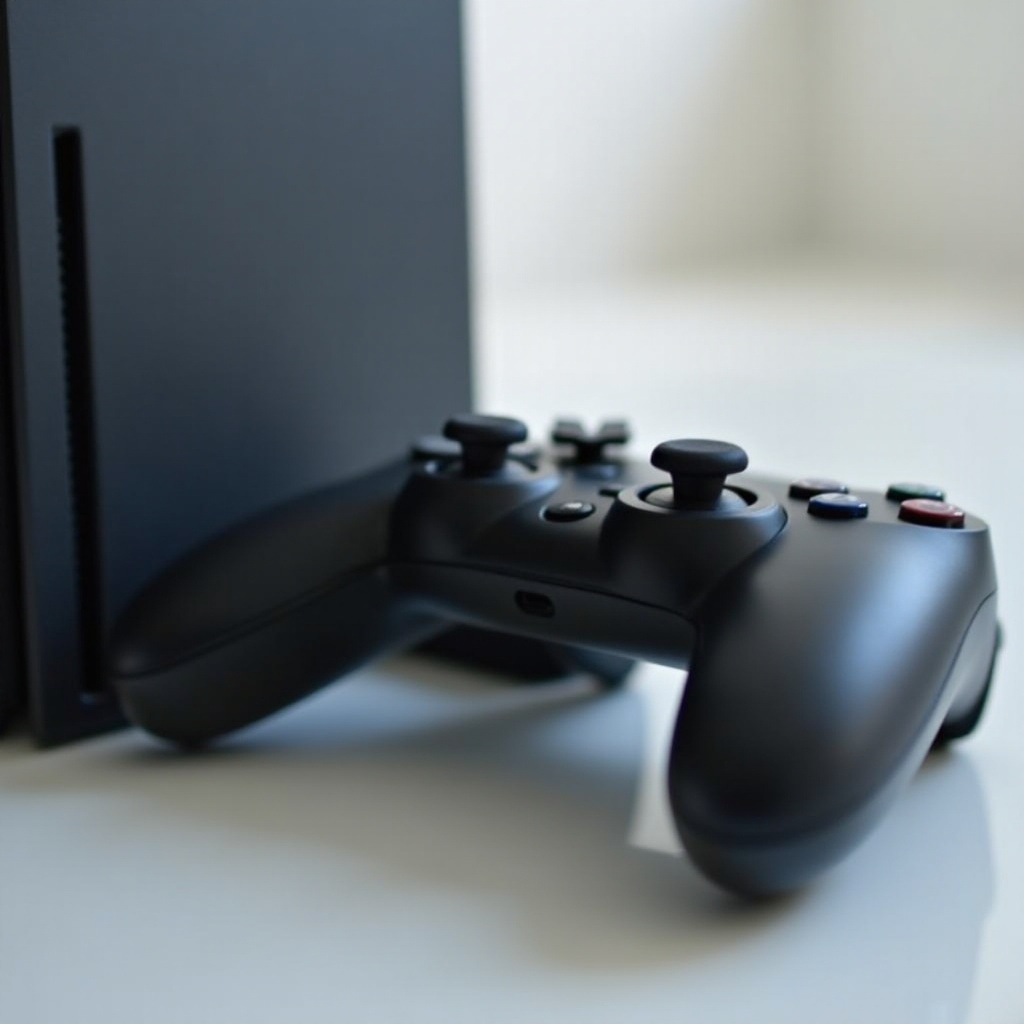
The PS3 controller is designed for more than just gaming; it’s essential for system navigation and management. Its layout, with the distinct PlayStation button centrally located and surrounded by functional keys, allows users to execute several tasks efficiently. Recognizing each button’s utility can significantly streamline your console interaction, especially when you aim to restart the system quickly.
Knowing how to use your controller beyond gaming adds a layer of convenience, letting you handle tasks like resets and updates efficiently. Mastery of the controller’s full potential reduces hassle, ensuring your focus remains on the game.
Step-by-Step Guide to Restart PS3 with Controller
- Access the main menu by pressing the PS button on your controller. This will bring up the console’s main navigation screen.
- Use the directional pads to move through the menu until you find the ‘Turn Off System’ option.
- Press the X button on this option. The PS3 will begin its shutdown process automatically. To restart, press the PS button to power it back on once it’s fully shut down.
This method not only simplifies the restart process but also ensures that your system stays in good condition, thus optimizing your gaming experience.
Troubleshooting Common Issues
Even though restarting with a controller is straightforward, you might encounter some issues:
- Connection Problems: Should your controller fail to respond, check if it is properly synced. Sync it again by connecting it with a USB cable and pressing the PS button.
- Syncing Issues: A flashing red light might indicate a syncing problem. Resolve it by resetting your controller. There’s a small hole on the back near the L2 button where a pin can be used to press the reset button inside.
- Controller Button Malfunctions: Sticky or unresponsive buttons can hamper functionality. Regular cleaning with a gentle alcohol solution and a soft cloth can prevent this issue.
Resolving these problems ensures a smooth experience and keeps the action focused solely on gaming.
Tips for Optimizing PS3 Performance
To maintain optimal performance, regular upkeep of your PS3 is crucial:
- Regular Maintenance: Dust accumulation can lead to overheating. Regularly dust your console with a microfiber cloth and ensure it’s positioned in a well-ventilated area.
- Software Updates: Keeping your system’s firmware up-to-date can rectify bugs and enhance your PS3’s performance. Navigate to ‘System Update’ in the settings menu to check for updates.
- Accessory Enhancements: Consider investing in quality accessories, such as cooling stands and robust controllers. These not only enhance your gaming experience but also prolong your console’s life.
By adhering to these performance tips, you ensure an efficient and extended life for your PS3.
Pro Tips for Maintaining Your PS3 Controller
Maintaining your controller keeps it in excellent condition:
- Cleaning and Care: Keep your controller clean by wiping it with a damp cloth and avoiding excess moisture.
- Storage Tips: Store your controller in a dry, safe space to prevent accidental damage.
- Battery Management: Recharge before the battery fully drains to extend its lifespan. Consistent over-draining can degrade battery quality over time.
These maintenance practices ensure your controller remains both reliable and effective, mirroring the PS3’s dependable performance.
Conclusion
Successfully managing your PS3’s functionality, including restarting with the controller, empowers you to have uninterrupted enjoyment. With the step-by-step guide and troubleshooting solutions provided, you can ensure a long lifespan and enhanced performance from your console. Embrace these practices to keep your gaming sessions smooth and your PlayStation 3 reliable.
Frequently Asked Questions
How often should I restart my PS3?
It’s recommended to restart your PS3 weekly to keep it running smoothly and avoid potential system lags.
What should I do if my controller doesn’t connect?
First, try re-syncing with a USB cable. If that fails, consider resetting the controller using the button on the back.
Can I use any PS3 controller to restart the console?
Yes, any properly synced and functional PS3 controller can be used to restart your console.