
 By
By Introduction
A loose phone screen does more than frustrate; it jeopardizes your device’s performance and safety. Addressing the problem promptly can prevent further complications. This guide explores the causes of screen detachment, immediate actions to take, DIY repairs, and when to seek professional help.
Understanding Why Phone Screens Come Loose
Identifying the reasons behind a loose screen helps to determine the best course of action for repair.
Common Causes of Screen Detachment
Several factors can lead to a phone screen coming off:
- Impact Damage: Drops and knocks can cause screen loosening.
- Poor Adhesives: Low-quality adhesives can degrade over time, weakening screen bonds.
- Heat Exposure: Heat can melt or weaken adhesive materials.
- Battery Swelling: A swollen battery applies pressure internally, leading to detachment.
Impact of Manufacturing Defects
Manufacturing issues, while infrequent, can contribute to screen detachment. Misaligned assemblies or defective adhesive can result in screens loosening prematurely. Recognizing these defects can help when seeking warranty claims or manufacturer repairs.
Long-term Wear and Tear
Regular use contributes to screen wear. Exposure to environmental elements such as humidity and temperature changes can slowly undermine the adhesive’s effectiveness. Monitoring your device’s condition regularly can help catch issues early.
Understanding these causes is crucial. Once identified, the next steps involve what immediate actions should be taken when a screen begins to come loose.
Initial Steps to Take When Your Screen Comes Loose
Addressing a loose screen immediately can prevent escalation of the issue.
Immediate Actions to Protect Your Device
- Turn Off the Phone: Stops potential electrical issues.
- Avoid Pressure on the Screen: Prevent further loosening.
- Securely Place the Phone: Avoid exposing it to additional risks.
Tools for a Quick Inspection
Proper inspection tools include:
- A flashlight for seeing details.
- A magnifying glass for close inspection.
- A soft cloth to handle without scratching.
Precautionary Measures
Reduce the risk of further damage by storing your phone carefully and using protective accessories until a repair can be made.
Once immediate actions are managed, consider whether a DIY fix is suitable, or if professional treatment is necessary.

DIY Solutions for a Loose Phone Screen
For those comfortable with repairs, tackling a screen fix at home can be a manageable task.
Temporary Fixes: Adhesive Strips and Tape
Here are temporary solutions you can employ:
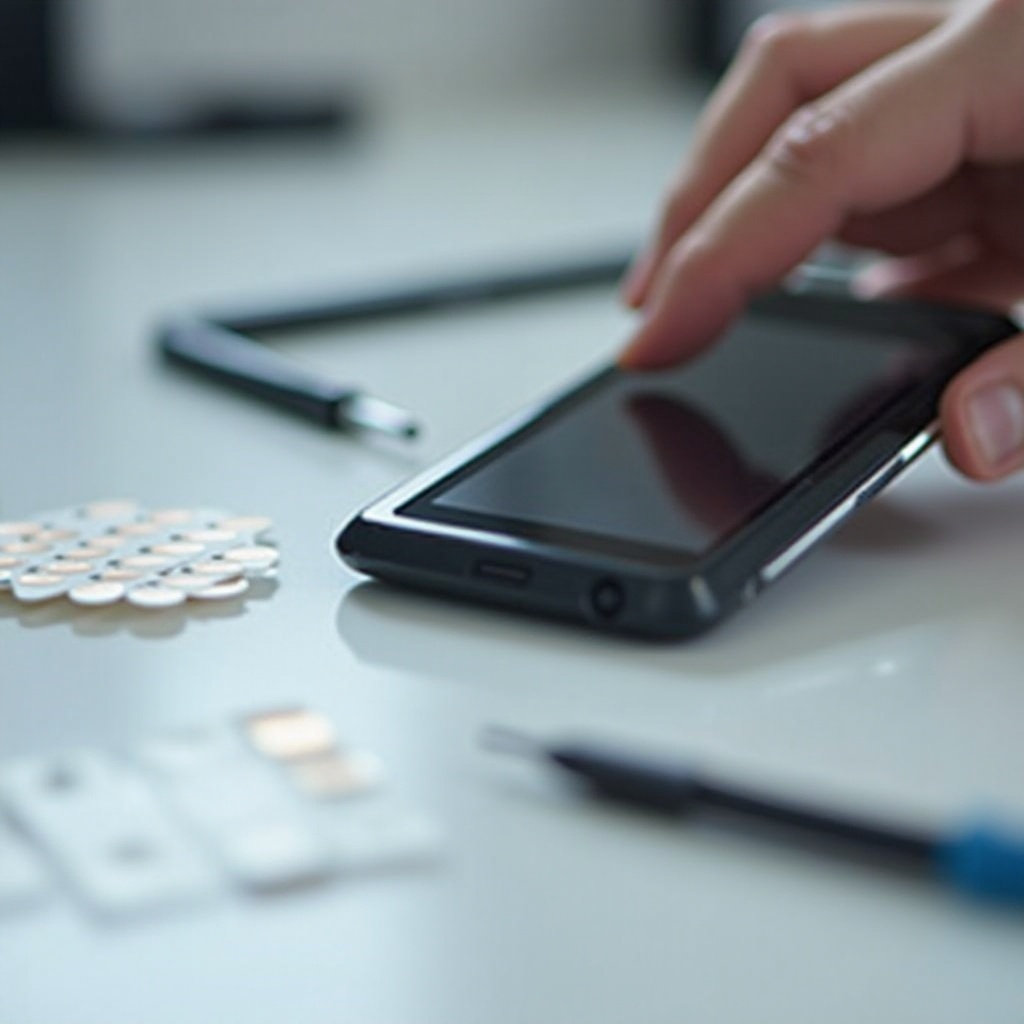
- Adhesive Strips: Designed for small repairs to hold the screen.
- Clear Tape: A quick and achievable temporary measure.
Tools and Materials Needed for DIY Repair
Equip yourself with:
- Plastic opening tools for careful disassembly.
- Adhesive glue specifically for screens.
- Tweezers for handling small components.
Step-by-Step Guide for a Secure Fix
- Clean the Phone: Remove dust and debris.
- Apply Adhesive: Carefully replace adhesive strips or apply glue.
- Press & Hold: Secure the screen before setting.
- Allow Time to Settle: Let the adhesive dry thoroughly.
For serious issues, the DIY approach may not suffice, necessitating professional intervention.
Seeking Professional Repair Services
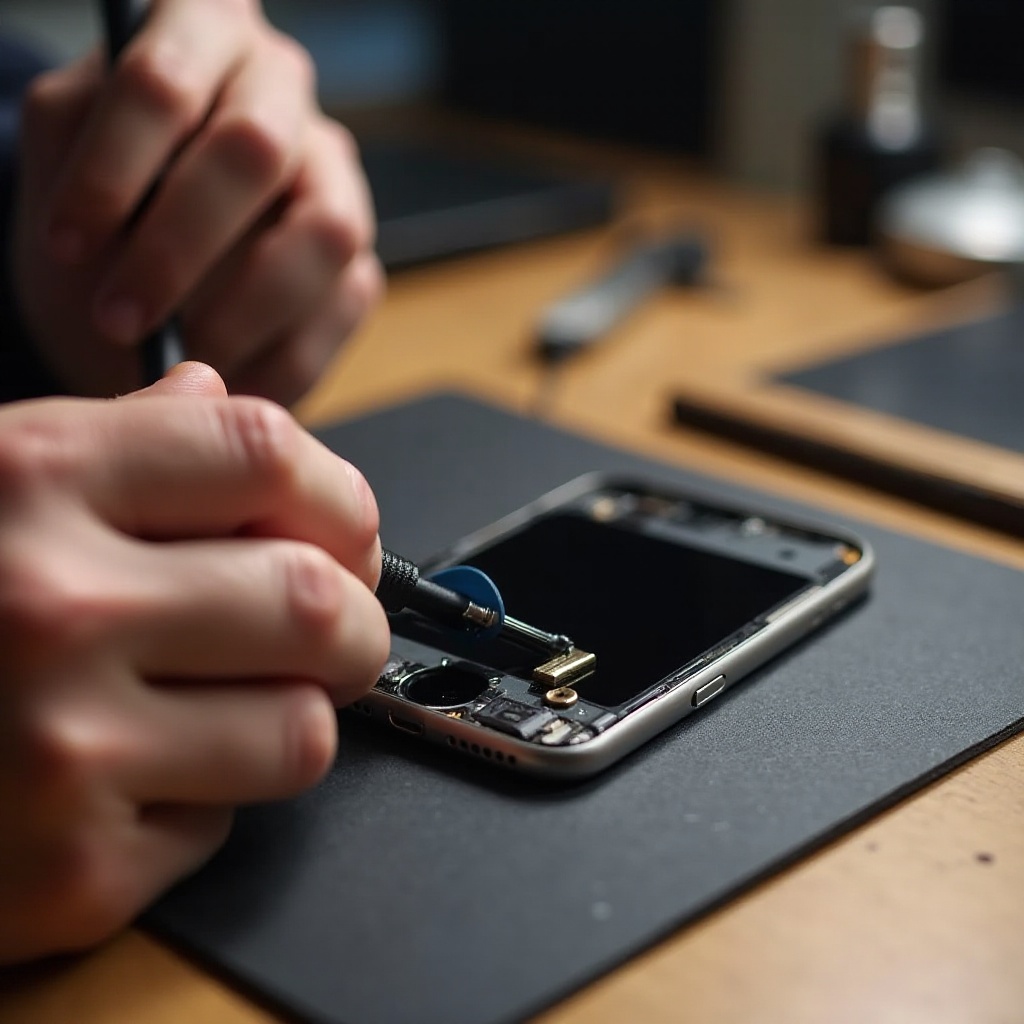
Reputable repair services can ensure comprehensive and permanent solutions.
When to Consult a Professional
- Major Detachment: Instances where DIY is infeasible.
- Warranty Issues: Preserving warranty with official repairs.
- Assured Quality: Opting for expertise guarantees reliable results.
Choosing the Right Repair Service
- Examine Reviews: Customer feedback offers insight.
- Check Credentials: Ensure certifications are valid.
- Compare Quotes: Get a few estimates for informed decisions.
Evaluating Repair Costs
Understanding the cost breakdown:
- DIY Savings: More economical but skill-dependent.
- Professional Pricing: Higher but offers reliability and warranties.
With the repair approach decided, implementing the following preventative measures helps avert recurrent screen problems.
Preventative Measures to Avoid Screen Issues
Taking preventative steps prolongs the life and durability of your phone screen.
Using Protective Accessories
- Screen Protectors: Buffer against scratches and impacts.
- Durable Cases: Protect corners and reduce drop impact.
Handling Your Phone with Care
- Avoid heavy handling or putting the phone under stress.
- Always use accessories to mitigate accidental damage.
Monitoring Phone Performance
Routinely check for any signs of wear. Use app diagnostics for regular health checks ensuring longevity.
Once preventative strategies are in place, maintaining your phone’s condition becomes manageable, and screen detachments become less frequent.
Conclusion
A proactive approach to a phone screen coming off involves understanding causes, taking immediate action, considering the appropriate repair method, and employing preventive measures. By following this guide, users can navigate the complexities of screen repairs effectively.
Frequently Asked Questions
What should I do immediately if my phone screen starts coming off?
Turn off the phone to prevent further damage and keep it secured until inspected or repaired.
Can I permanently fix a loose screen by myself?
You can address minor detachment with DIY solutions. Seek professional help for major issues.
How much should I expect to pay for professional screen repair?
Costs vary across models and damage extent. Request quotes for accurate estimates.