
 By
By Introduction
Many Wii console users face a common frustration: the game disc could not be read error. This issue can disrupt your gaming experience and leave you searching for effective solutions. In this guide, we will explore practical ways to troubleshoot this error, along with maintenance tips to prevent it from occurring in the future. Let’s dive into solving this problem and get back to enjoying uninterrupted gaming.
Understanding the ‘Wii Game Disc Could Not Be Read’ Error
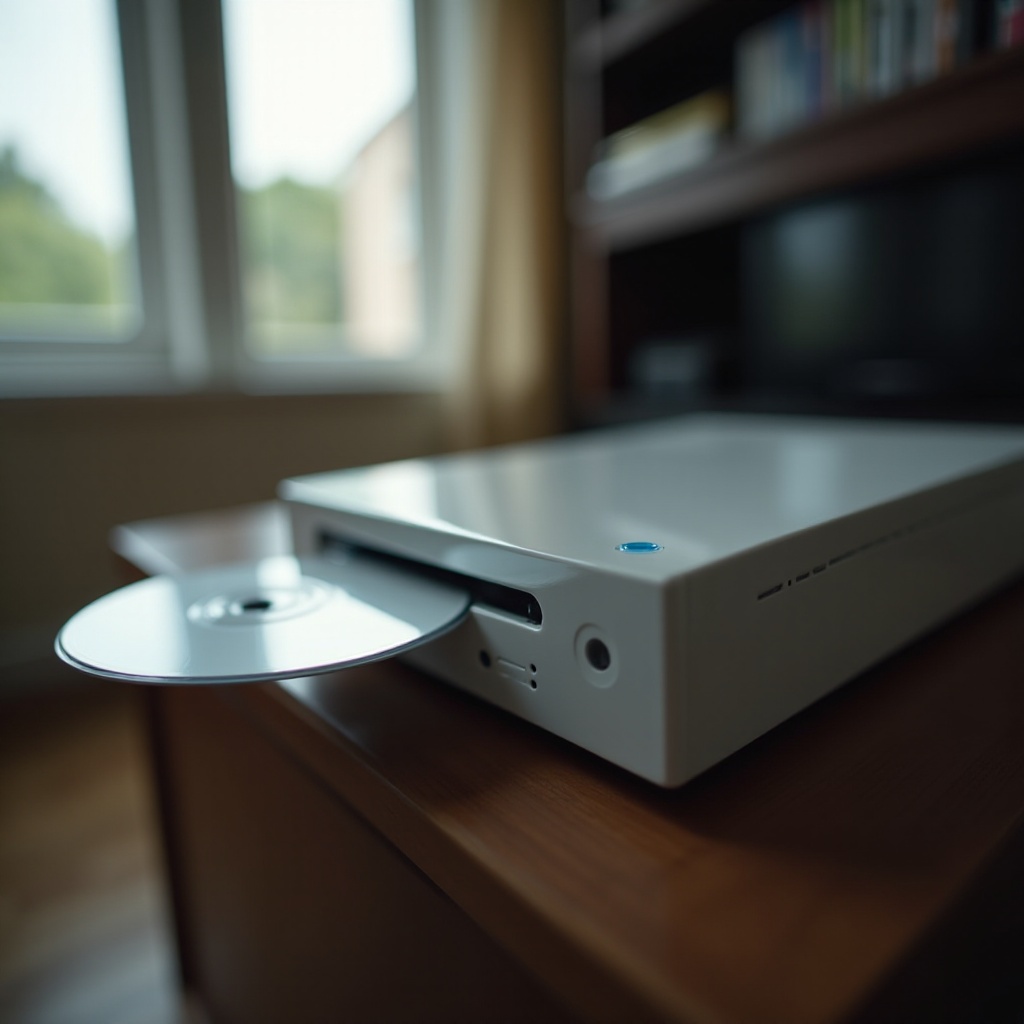
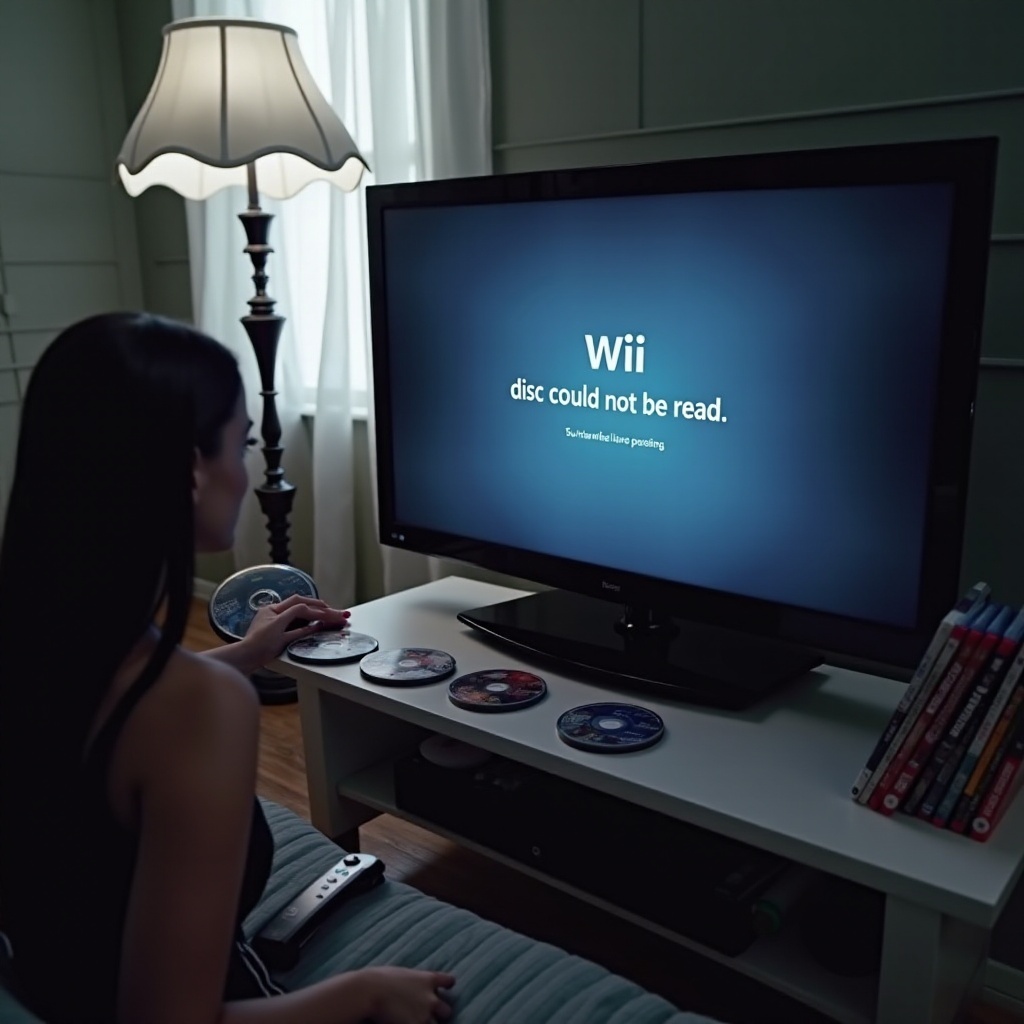
The notorious ‘Wii game disc could not be read’ message typically appears when the console fails to properly load the disc. This can stem from various issues, such as dirt or damage on the disc, misalignments within the disc drive, or outdated system software. Identifying the root cause is crucial in addressing the problem effectively and ensuring it doesn’t reoccur.
Initial Troubleshooting Steps
Tackling this problem can often be achieved through a few initial, simple measures.
- Check Disc Compatibility: Ensure that your disc matches the region code for your Wii console, as mismatched regions can prevent the console from reading the disc.
- Insert the Disc Properly: Confirm that the disc is placed in the slot with the label side facing up.
- Perform a Simple Restart: Turn off the Wii console and unplug it. After waiting for a minute, plug it back in and turn it on. This can resolve minor glitches.
- Reset to Factory Defaults: If a restart does not work, consider resetting the console settings to factory defaults to clear any software glitches.
By completing these initial steps, you can determine whether basic solutions solve the issue or if further intervention is required.
Cleaning and Caring for Your Game Disc
If initial checks don’t resolve the issue, the problem might lie with the disc. Discs that are dirty or scratched can prevent the Wii from reading them properly.
To clean your disc:
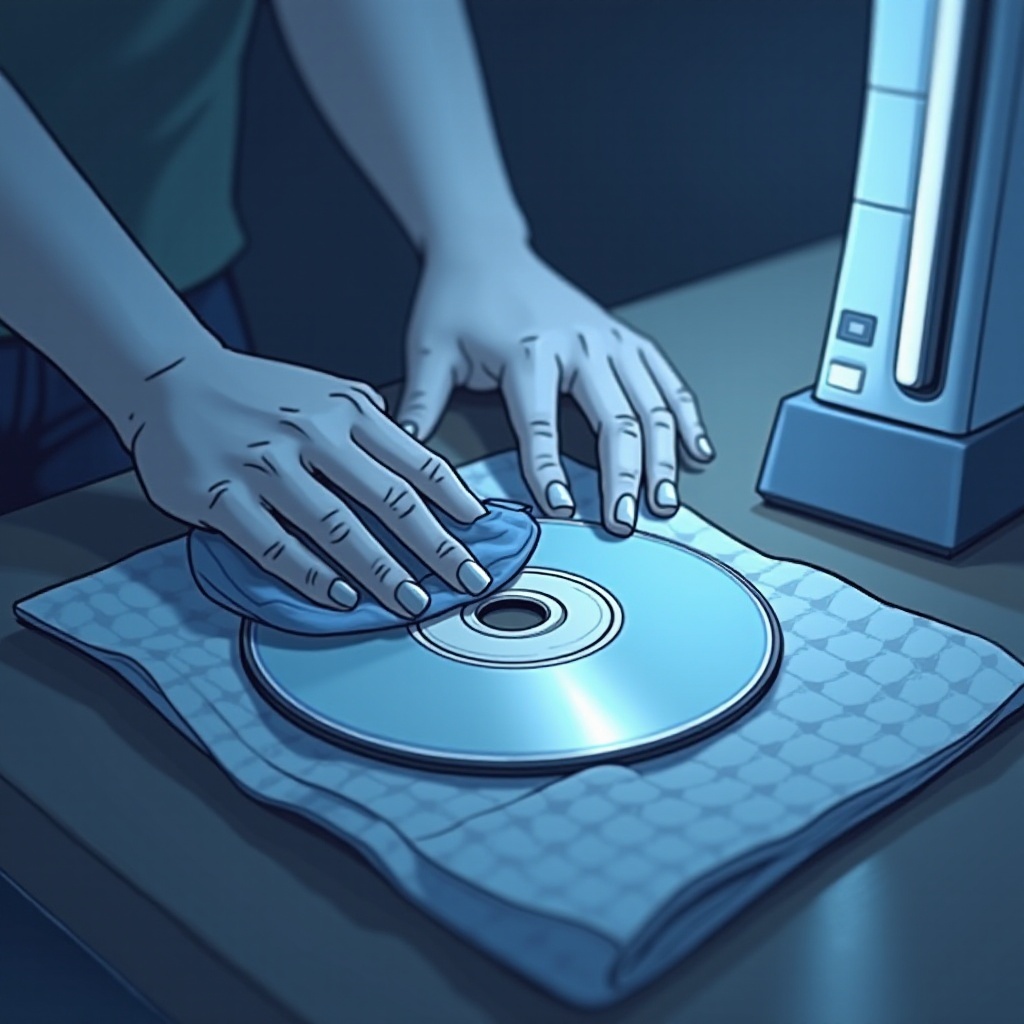
– Use a microfiber cloth and a gentle cleaning solution.
– Hold the disc by the edges and wipe it from the center outward using straight strokes.
– Avoid circular motions that may exacerbate scratches.
Inspecting for Scratches and Damage
Examine your disc under a good light to identify any scratches or damages. Small scratches might be fixable with a professional disc repair kit available in stores or online.
Professional Disc Repair Options
If your disc has significant damage, consider seeking professional repair services. These services can polish and buff discs, though severe damage might mean purchasing a replacement.
Maintaining your game discs regularly can significantly reduce the likelihood of encountering read errors, but sometimes disc maintenance alone isn’t enough.
Wii Console Maintenance Tips
Regularly maintaining your Wii console is crucial for its optimal performance. A clean and well-ventilated environment supports the console’s functionality and longevity.
- Dust Frequently: Avoid allowing dust to build up on and around your Wii.
- Ventilation: Ensure that your console’s vents are free from dust. Use canned air to clear any dirt or debris from the console’s ports and slots.
Taking these preventive actions can help ensure that your console functions smoothly, but if errors persist, it might be time for more thorough troubleshooting.
Advanced Troubleshooting and Repairs
If cleaning your disc and console doesn’t solve the problem, you may need to consider more advanced solutions.
- System Update: Access the Wii system settings to check for software updates. Keeping your firmware up-to-date can sometimes resolve disc read errors.
How to Perform a Wii System Update
- Access the Wii Menu and select ‘Wii System Settings.
- Click on the arrow to reach the second page, then select ‘Wii System Update.
- Follow the on-screen instructions to download and install updates if available.
Identifying Hardware Malfunctions
If the disc read issue persists, the problem may stem from the hardware itself. Tell-tale signs, like unusual noises or consistent failures to read various discs, could indicate an issue with the disc drive or lens.
In such cases, addressing hardware concerns might require expertise beyond basic troubleshooting methods.
When to Seek Professional Help
Certain situations require more than independent troubleshooting.
- Indications for Professional Assistance: If your console continuously emits strange noises or fails to read multiple discs, it’s likely time to consult a professional.
- Considerations for Repair vs. Replacement: Sometimes, repair costs may rival the expense of replacing an older Wii model. Evaluate the value of upgrading to newer gaming systems if repairs aren’t cost-effective.
Recognizing when professional help is necessary is important for making informed decisions about your console.
Conclusion
Through the steps outlined above, Wii users can effectively tackle the ‘game disc could not be read’ error. By starting with basic checks, maintaining both the disc and console, and knowing when to seek expert help, you can secure a seamless gaming experience. Remember, persistence is key. Keep troubleshooting and enjoy getting back into the game.
Frequently Asked Questions
What should I do if cleaning the disc doesn’t work?
If cleaning the disc doesn’t resolve the issue, ensure the console is updated and dust-free. If the problem persists, professional repair or disc replacement might be necessary.
Can I fix a scratched Wii disc at home?
Minor scratches can often be addressed using a microfiber cloth and non-abrasive cleaner. For significant scratches, professional repair or disc resurfacing may be needed.
How do I know if my Wii console needs repair?
Signs such as abnormal noises during operation or repeated failures to read discs suggest that the console may require professional examination or repair.