
 By
By Introduction
Is your wired mouse holding back your laptop setup? Despite their reliability, wired mice can sometimes feel like a ball and chain due to their cords. This guide will help you transform your wired mouse into one that gives you the freedom and mobility similar to a wireless setup. With some innovative hardware tricks, software adjustments, and do-it-yourself solutions, you can achieve newfound freedom while retaining the wired precision you love.
Understanding the Basics of Wired and Wireless Mice
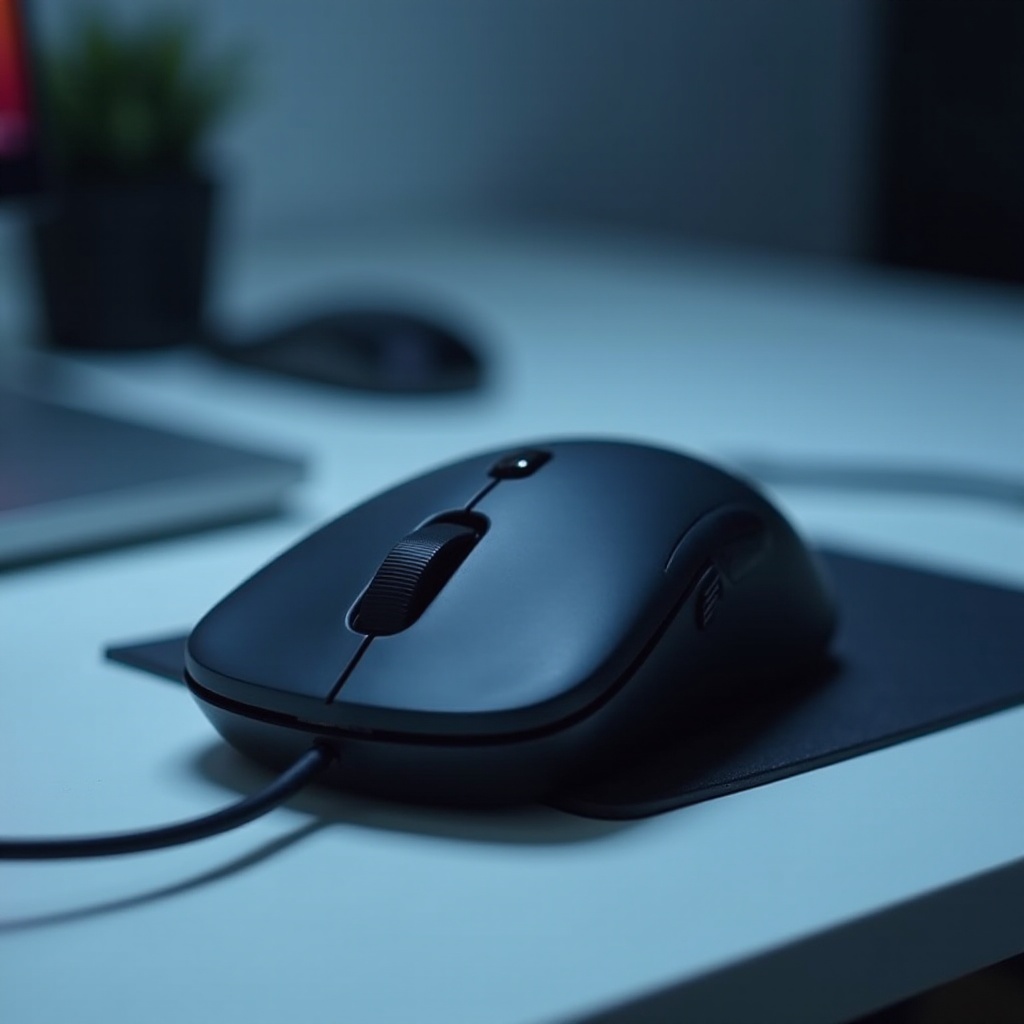
Before getting into modifications, it is crucial to understand how wired and wireless mice differ. Wired mice are known for their consistent performance, making them the choice of professionals who need precision and speed. However, their dependency on cables can restrict movement and cause inconvenience.
Wireless mice come with the advantage of free movement and ease of use, especially for mobile users, but they may suffer from connectivity and power issues. By leveraging the stability of wired mice with some freedom-enhancing strategies, you can blend the benefits of both types.
Assessing Your Setup for Optimal Modification
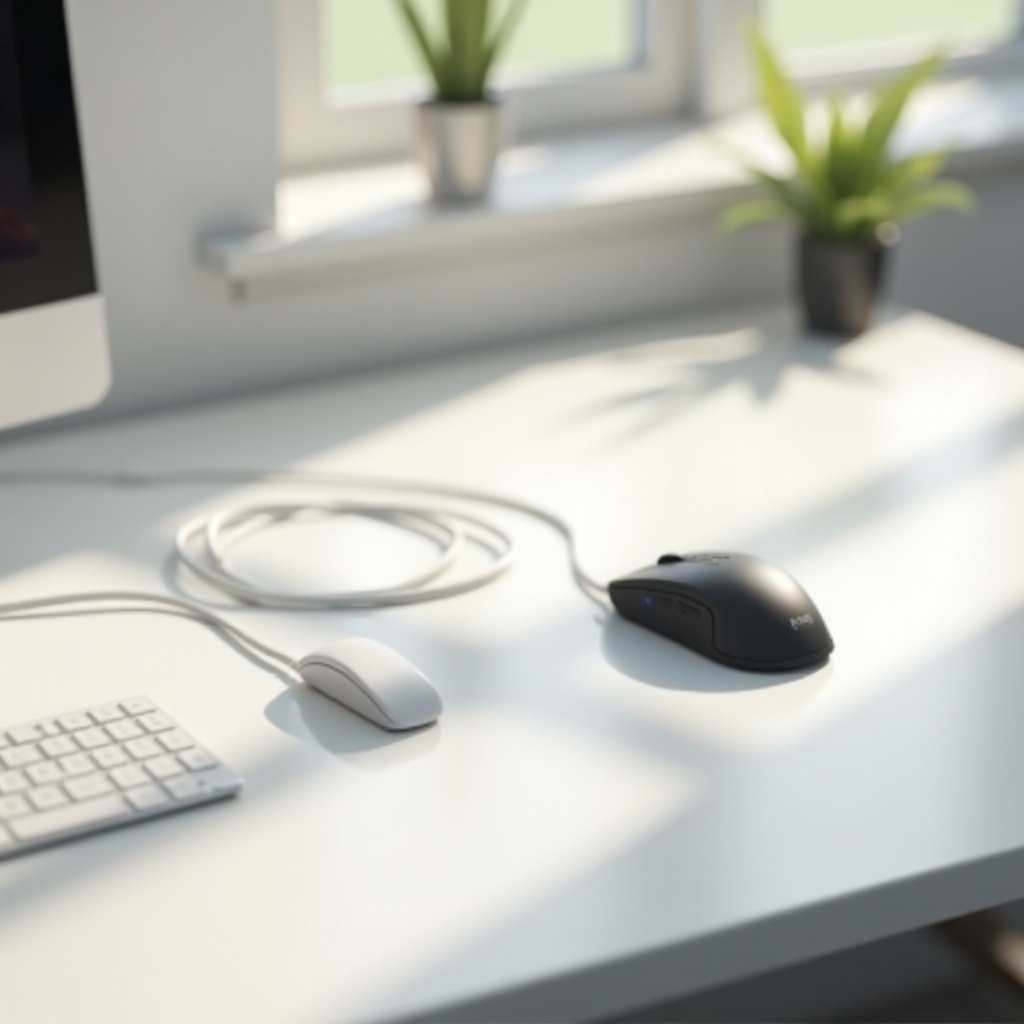
Take a closer look at your current workspace to determine how to best enhance it. Identify where the mouse cable gets in the way or where it limits your movement—a crucial first step before implementing any solutions. Any tweak should focus on improving your comfort and maximizing efficiency.
The ergonomics of your workspace could also affect how well your modifications work. Ensure that your desk accommodates your laptop and mouse for optimal movement. Consider surface friction as well, an often-overlooked factor influencing ease of use.
Hardware Solutions for Wireless-Like Freedom
Small hardware adjustments can make a big difference:
-
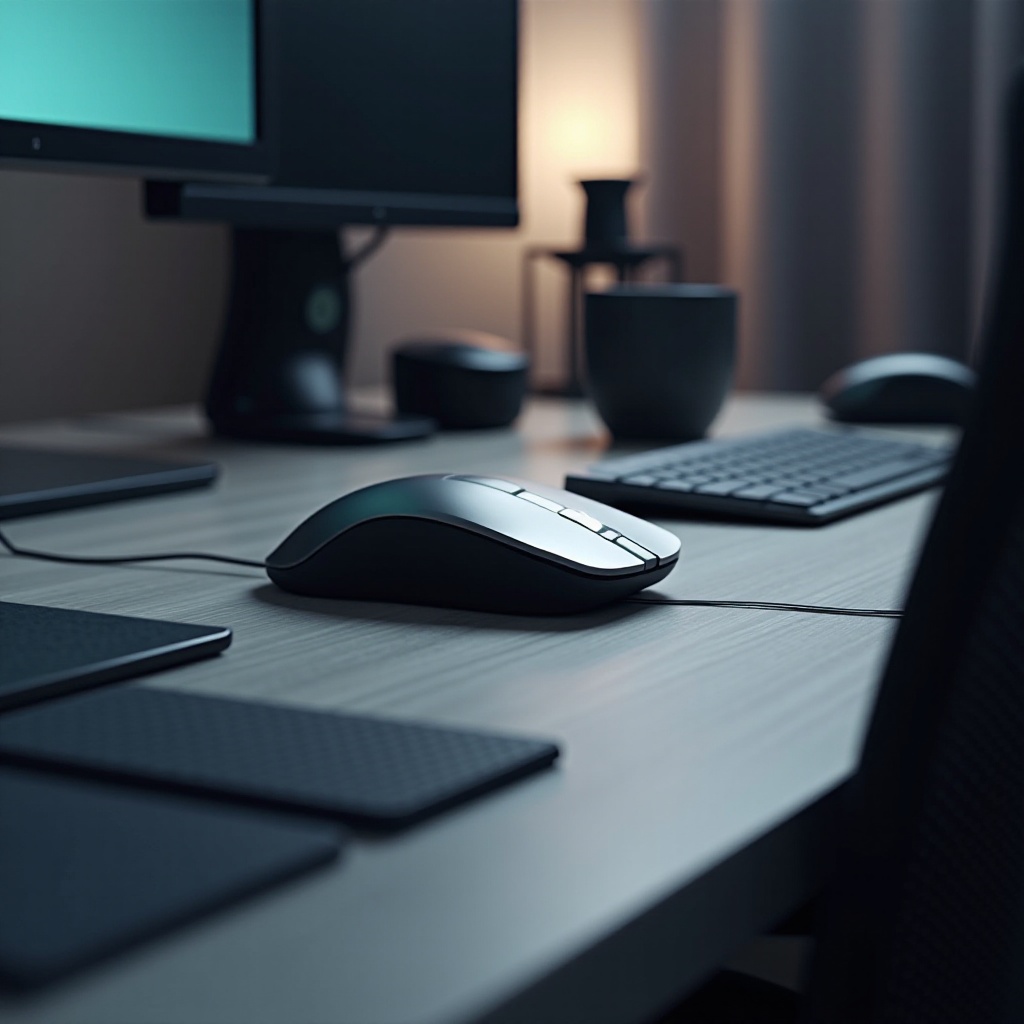
Use mouse bungees, clips, or clamps to manage your cables, which helps in reducing drag and keeping your desk organized.
-
Opt for retractable or coiled cables that allow flexibility without the clutter, a little change that can significantly improve your experience.
-
Wired-to-wireless converters are practical, inserting between your mouse and computer to give you the best of both worlds by providing some wireless convenience.
Couple these physical adjustments with software solutions to unlock an even greater sense of freedom.
Enhancing User Experience Through Software
The right software strategies can further enhance your wired mouse experience:
-
Fine-tune sensitivity and acceleration settings to match your user habits. Higher DPI (dots per inch) settings can allow broader screen navigation with minimal hand movement, offering a wireless feel even with a wire.
-
Implement macros and shortcuts for frequent tasks, reducing the need for extensive mouse movement and creating a more efficient workflow.
-
Use software tools like virtual desktops and zoom features to minimize physical mouse movement, improving the overall user experience.
These software techniques, combined with physical mods, present a holistic approach to making your setup feel less restrained by cords.
Do-It-Yourself Techniques for Greater Mobility
Adopt some DIY methods to push your setup to the next level:
-
Create a DIY cable docking station, providing a specific spot for your mouse cable when not in use. This keeps your workspace tidy and minimizes the space the cable requires.
-
Extend your cable reach using custom cable extensions for more maneuverability without straining the existing cable.
-
Arrange your desktop strategically so your workspace remains organized and clutter-free, impacting how smoothly your mouse moves.
These DIY tricks require some creativity but offer effective, personalized solutions to enhance your setup significantly.
Conclusion
By combining hardware tweaks, software adjustments, and creative DIY projects, you can enjoy the precision of a wired mouse with the ease and flexibility of a wireless one. By exploring and implementing the solutions outlined, you can transform your wired mouse setup into one that provides a dynamic and unrestricted experience. Experiment with these ideas to find what works best for you, ensuring both productivity and comfort are optimized in your setup.
Frequently Asked Questions
What are the best accessories to use for minimizing cable clutter?
Cable management solutions like mouse bungees, cable clips, and retractable cables are excellent for reducing clutter and promoting ease of movement.
Can software adjustments really improve the wired mouse experience?
Yes, modifications like sensitivity adjustments and macro implementations can greatly enhance the speed and efficiency of your wired mouse.
Are there any risks involved in using wired-to-wireless converters?
Generally, converters are safe to use, although slight latency may occur, which might be noticeable during high-precision tasks such as gaming.